Roku Stuck in Guest Mode? Exit Without a Factory Reset
Roku stuck in Guest Mode? Use the owner’s exit option, understand what guest sign-out clears, and recover the correct Roku PIN before considering a reset.
Roku stuck in Guest Mode? Use the owner’s exit option, understand what guest sign-out clears, and recover the correct Roku PIN before considering a reset.
Forgot your Roku PIN? Change it in the linked account, keep the restrictions you want, and distinguish Roku purchase prompts from activation and app locks.
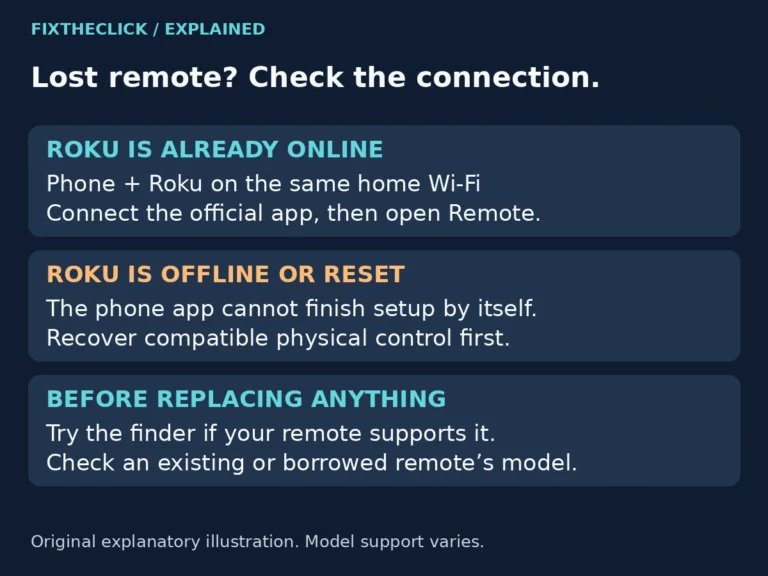
Lost your Roku remote? Use the app when Roku is already online, or recover compatible physical control for an offline device. Check before resetting.
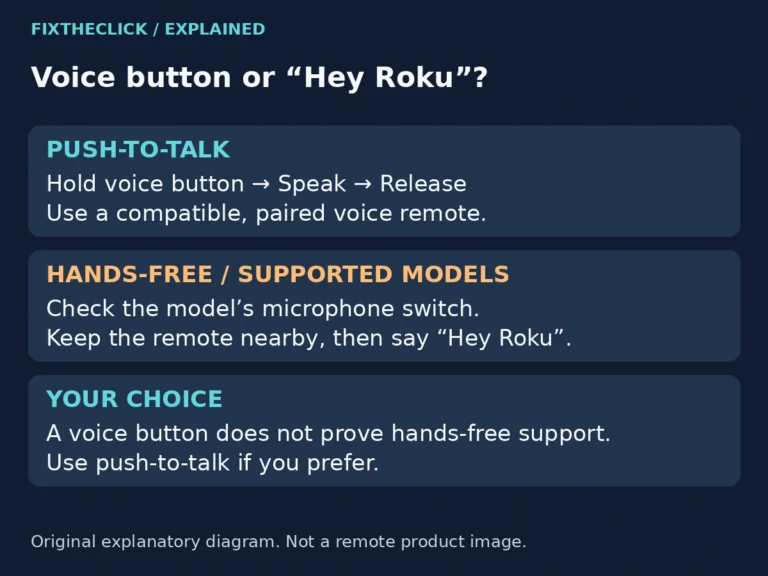
Roku voice search or Hey Roku not responding? Check push-to-talk technique, compatible hands-free support, the microphone switch, and remote placement.
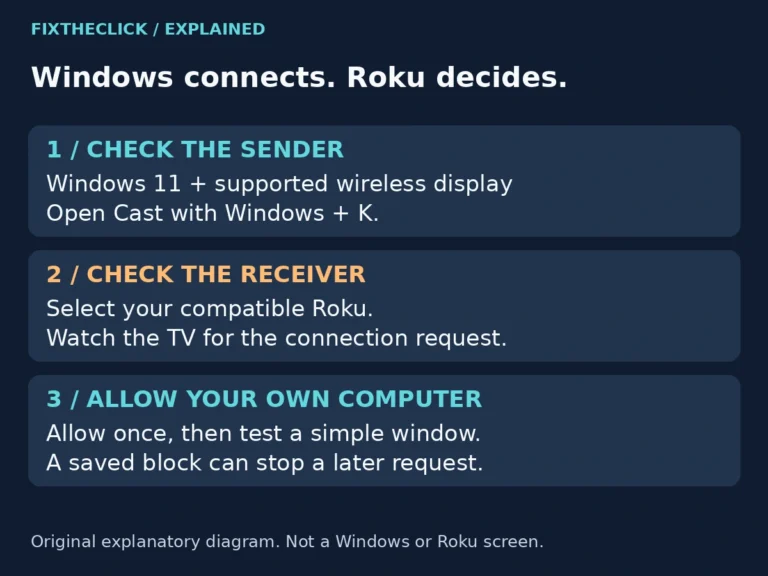
Roku missing from Windows 11 Cast or blocking your PC? Check wireless-display support, the TV connection request, and saved permissions before resetting.
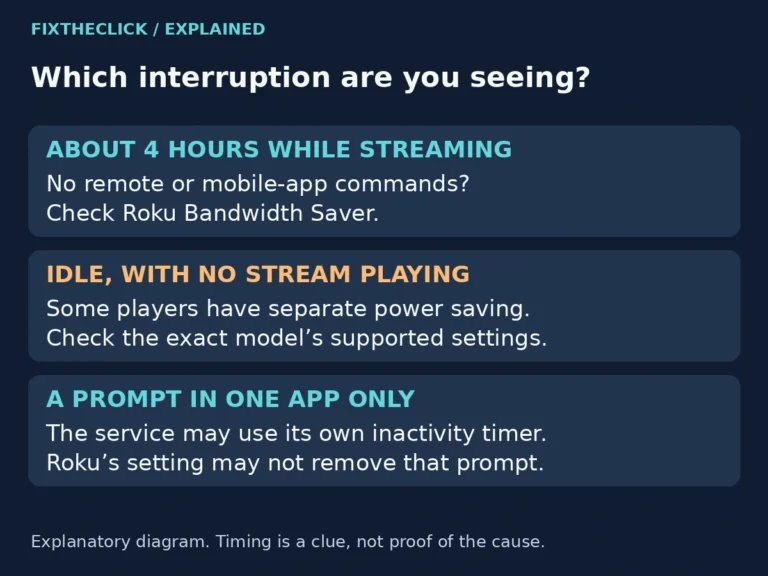
Roku stops streaming after 4 hours? Check Bandwidth Saver, compare app timers and idle power saving, and understand the data-use tradeoff before turning it off.
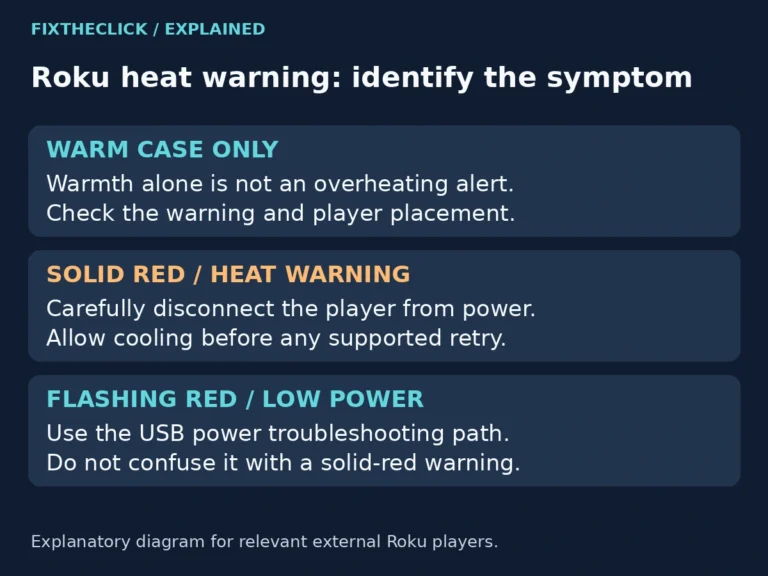
Roku overheating or showing a solid red light? Cool it safely, improve placement, and know when to stop using the player instead of repeatedly restarting.
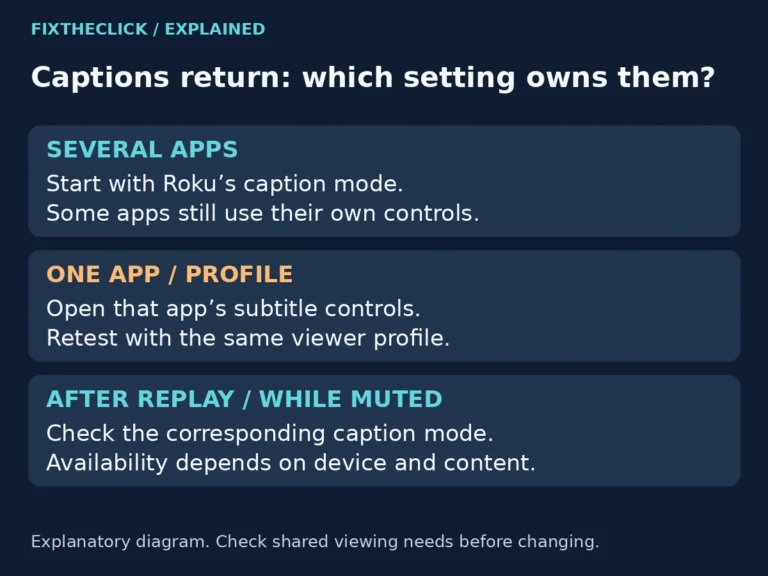
Roku subtitles won’t turn off? Check Roku caption modes, app settings, and profiles to find why captions return after Replay, Mute, or another episode.
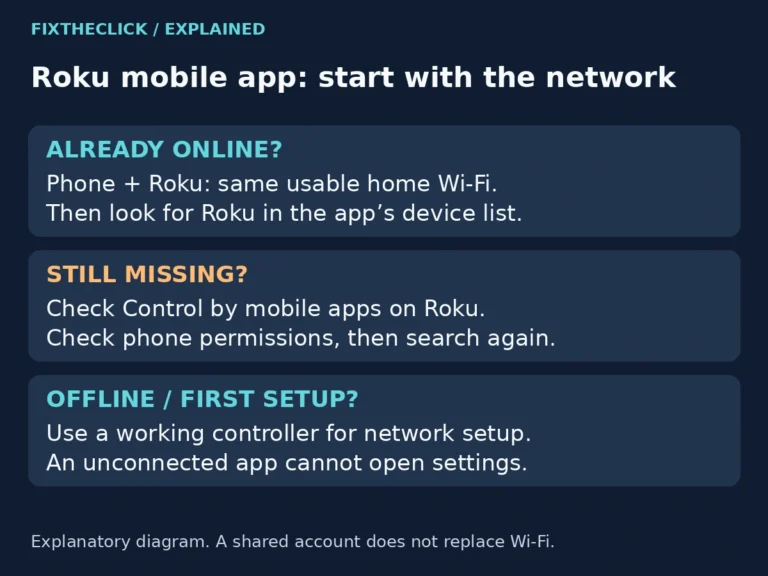
Roku app can’t find your device? Check local Wi-Fi, Control by mobile apps, and phone permissions before resetting a Roku that is already set up.
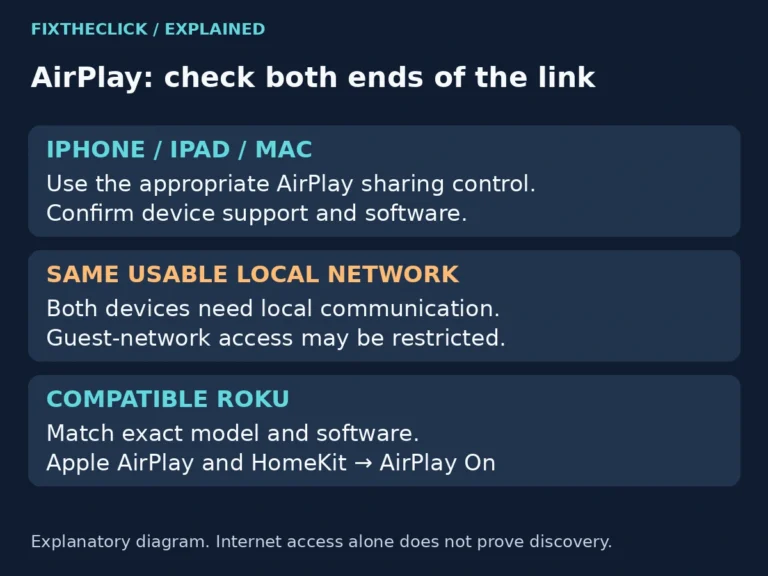
Your Roku Home screen works, but the device never appears when you try to share something from an iPhone, iPad, or Mac. Start with the receiving Roku’s model, AirPlay setting, and network—not a remote-pairing sequence. A missing destination, a rejected connection, and one app refusing playback are different problems. This guide focuses on the Roku…