Fire TV Has No Sound but the Picture Works? Check the Audio Output First
Fire TV has no sound but the picture works? Check the active speaker, compare apps, and use supported diagnostics before resetting your device.
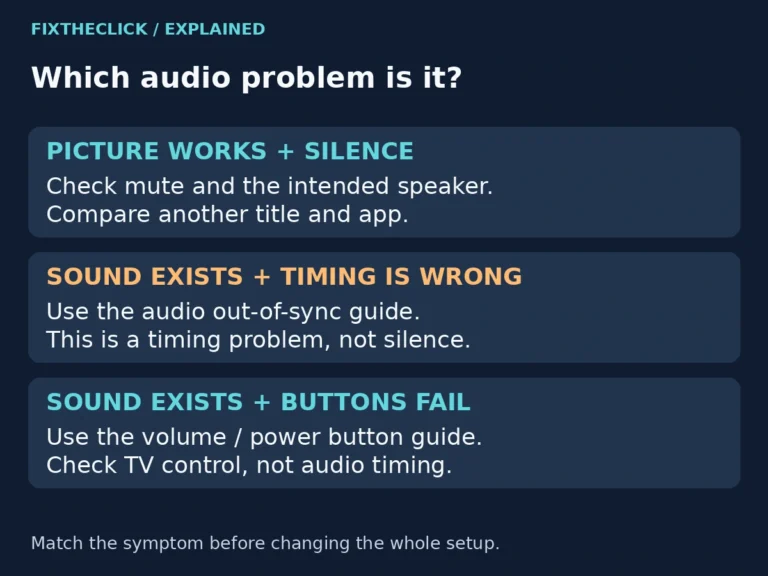
Fire TV has no sound but the picture works? Check the active speaker, compare apps, and use supported diagnostics before resetting your device.
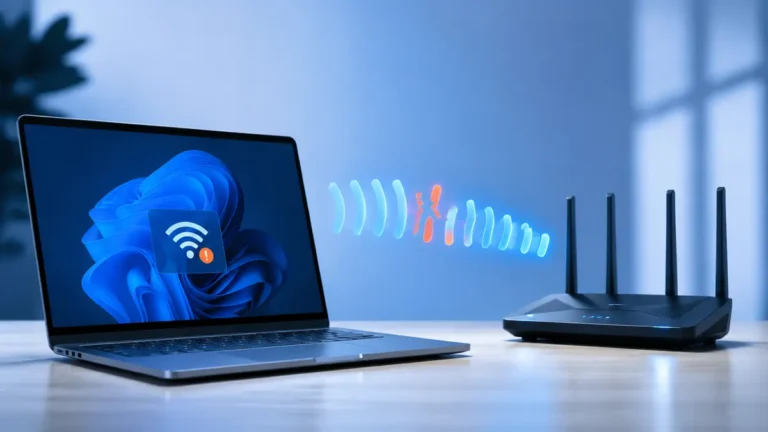
Windows 11 WiFi keeps disconnecting? Separate a PC-only problem from a router outage, then fix the profile, driver, power setting, and signal.
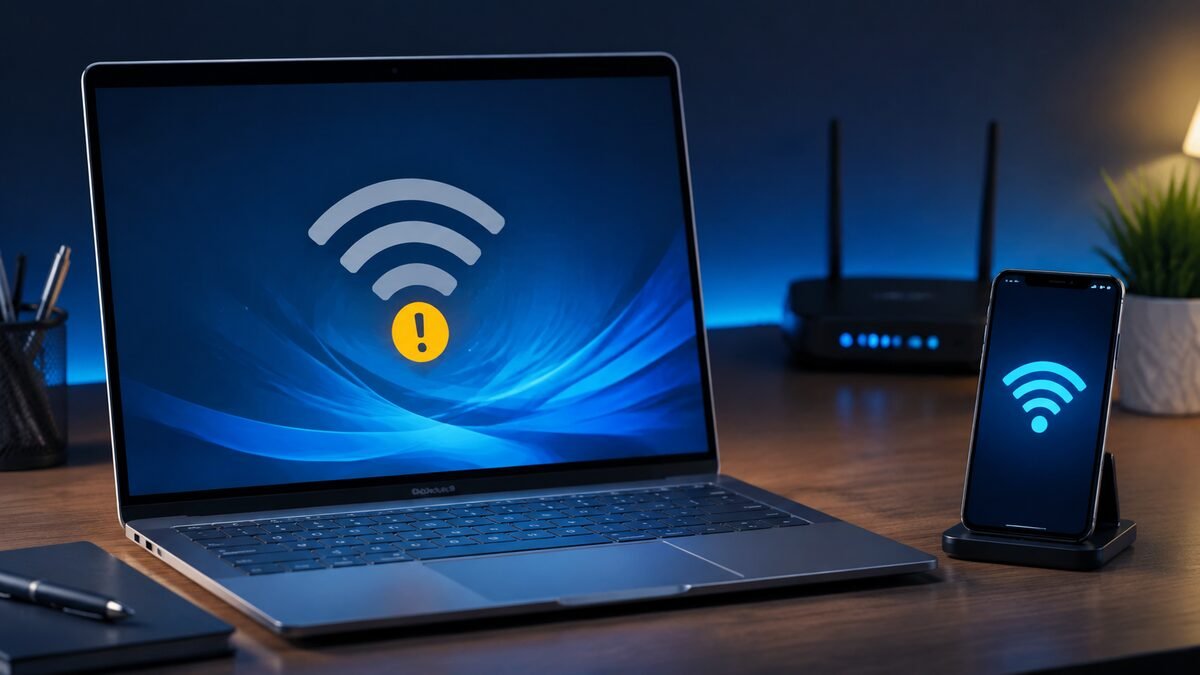
Laptop not connecting to WiFi while your phone works? The router is probably online. Isolate the laptop with these Windows fixes before replacing hardware.
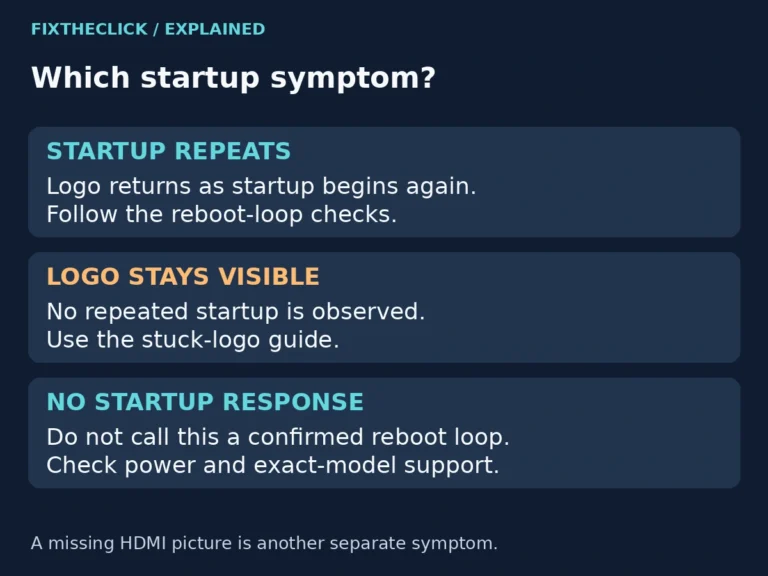
Fire TV keeps restarting? Identify the device, check its power supply, and test a simpler connection before considering a factory reset.
A Fire TV “No Signal” message usually points to the wrong HDMI input, weak power, or a bad connection. Work through these checks before replacing anything.
Fresh batteries but the Fire TV remote still does nothing? Check battery contact, restart the Fire TV, pair the remote, and reset it in this order.
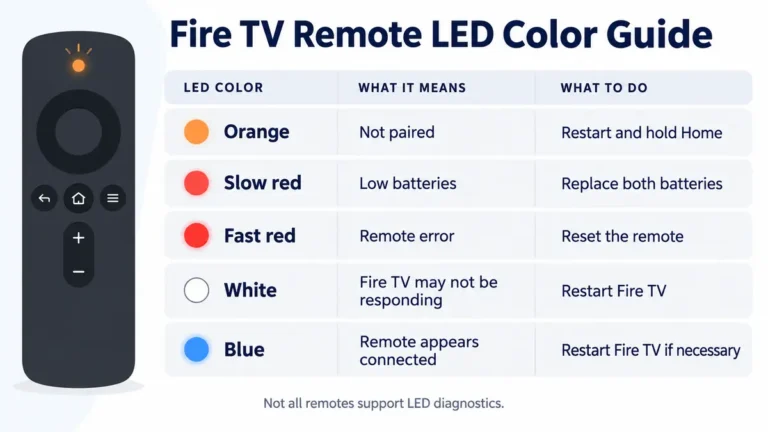
A blinking orange Fire TV remote is usually unpaired. Learn what the LED means, retry pairing, reset the correct model, and check compatibility.