Roku Subtitles Won’t Turn Off? Fix Captions That Keep Coming Back
Roku subtitles won’t turn off? Check Roku caption modes, app settings, and profiles to find why captions return after Replay, Mute, or another episode.
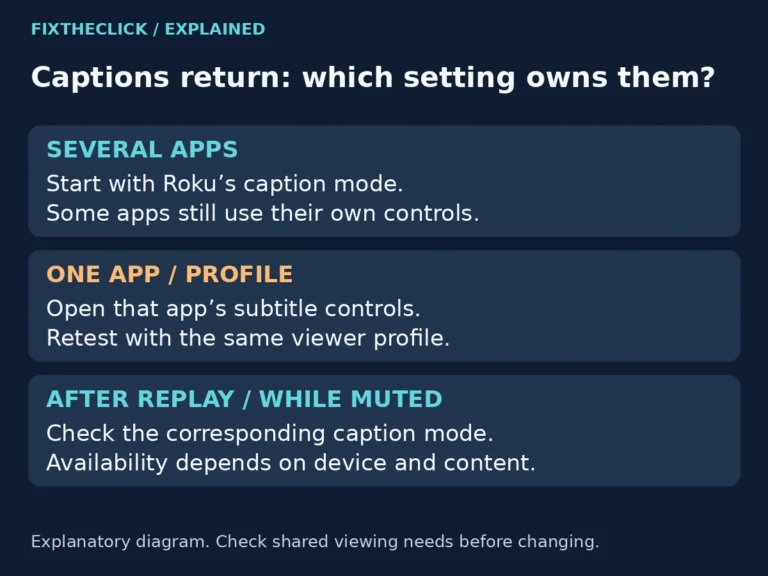
Roku subtitles won’t turn off? Check Roku caption modes, app settings, and profiles to find why captions return after Replay, Mute, or another episode.
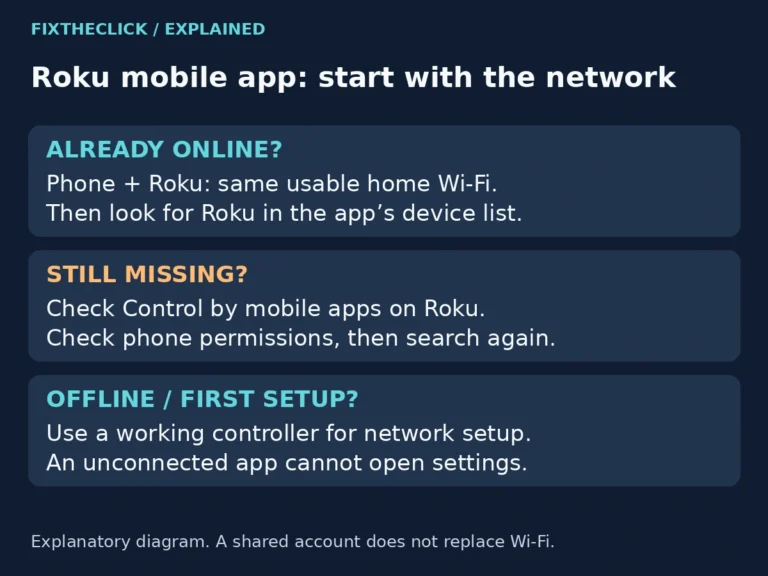
Roku app can’t find your device? Check local Wi-Fi, Control by mobile apps, and phone permissions before resetting a Roku that is already set up.
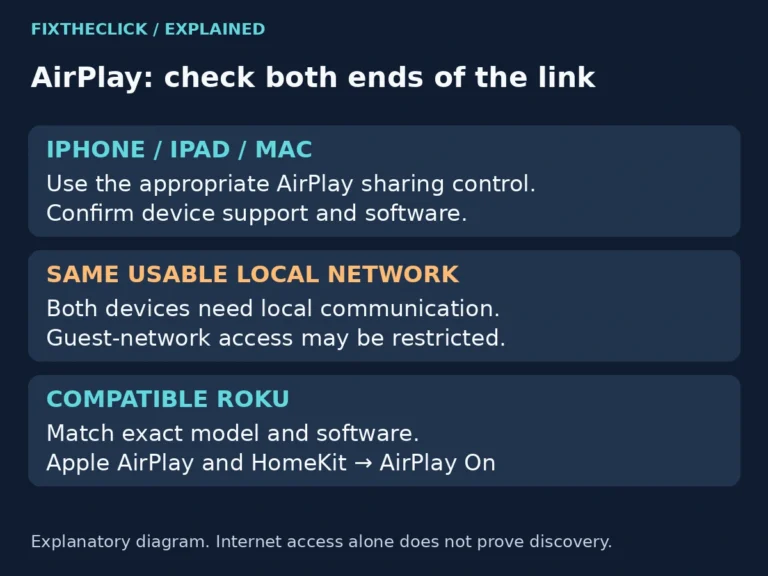
Your Roku Home screen works, but the device never appears when you try to share something from an iPhone, iPad, or Mac. Start with the receiving Roku’s model, AirPlay setting, and network—not a remote-pairing sequence. A missing destination, a rejected connection, and one app refusing playback are different problems. This guide focuses on the Roku…
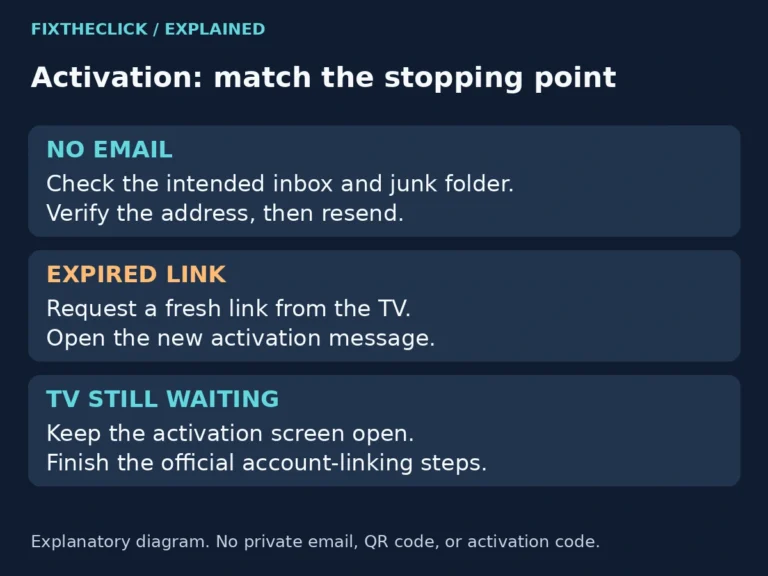
The TV is waiting for activation, but your inbox is empty. Before starting setup again, check which address Roku is using and whether the message went to junk. If an email did arrive, the next question is whether its link still works—not whether the player needs a reset. This guide covers the email step during…
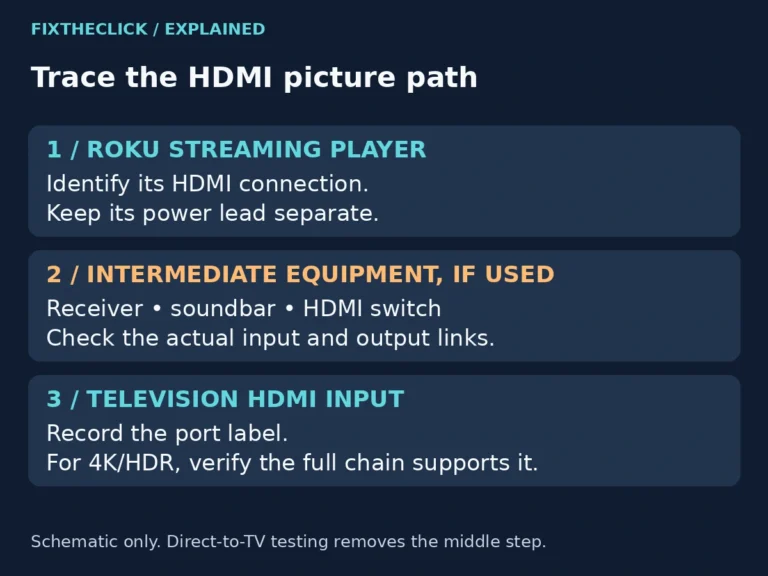
Roku HDCP error or purple screen? Reconnect the HDMI chain, test direct-to-TV playback, and check 4K/HDR compatibility before a factory reset.
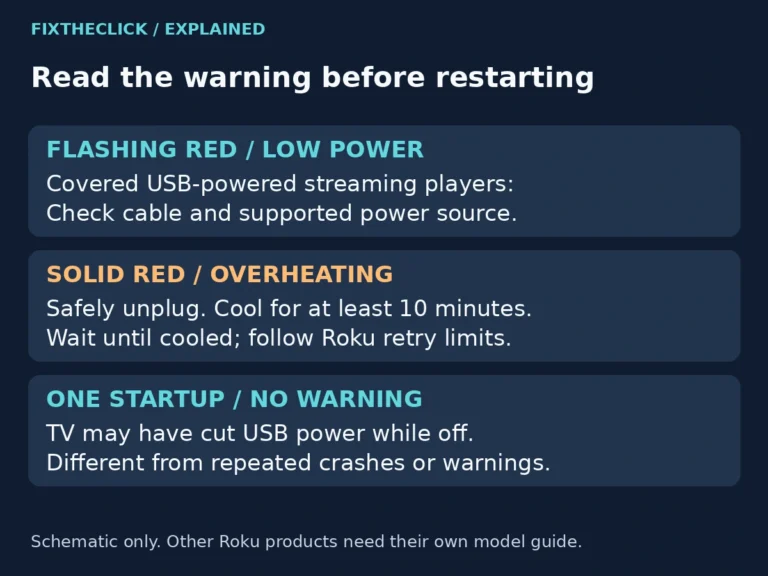
Roku low power warning or flashing red light? Check the USB cable and correct power source, and separate insufficient power from overheating.
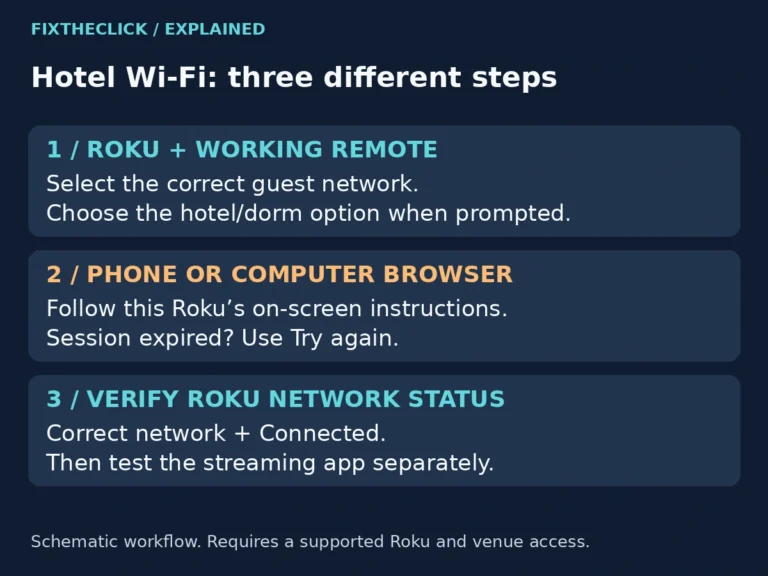
The hotel Wi-Fi works on your phone, but your Roku never reaches the page where you accept terms or sign in. You can see the network name, yet you still cannot start watching. Looking for a normal web browser on the TV is not the next step. On a supported device, Roku’s Hotel & Dorm…
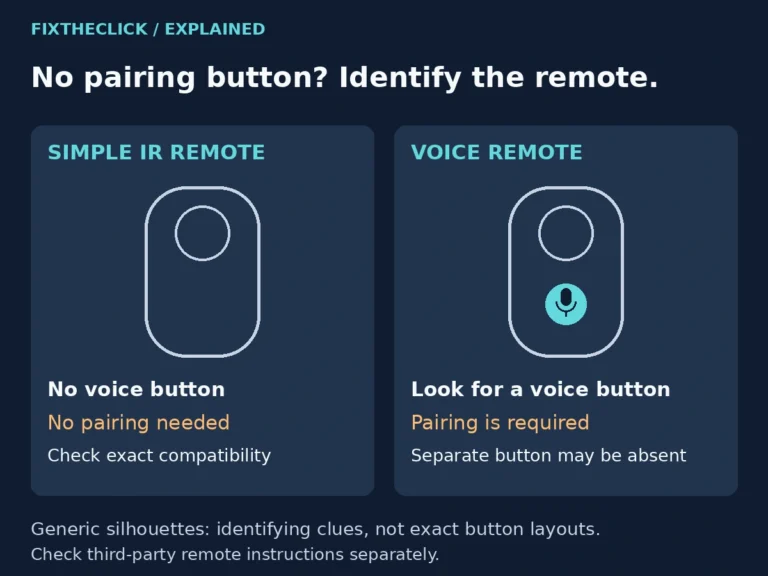
You have checked the back of the remote, opened the battery cover, and still cannot find a pairing button. Before you keep looking, check the front. Some Roku remotes never need pairing; others pair without a separate button. The useful question is not where the button is hiding. It is whether you have a simple…
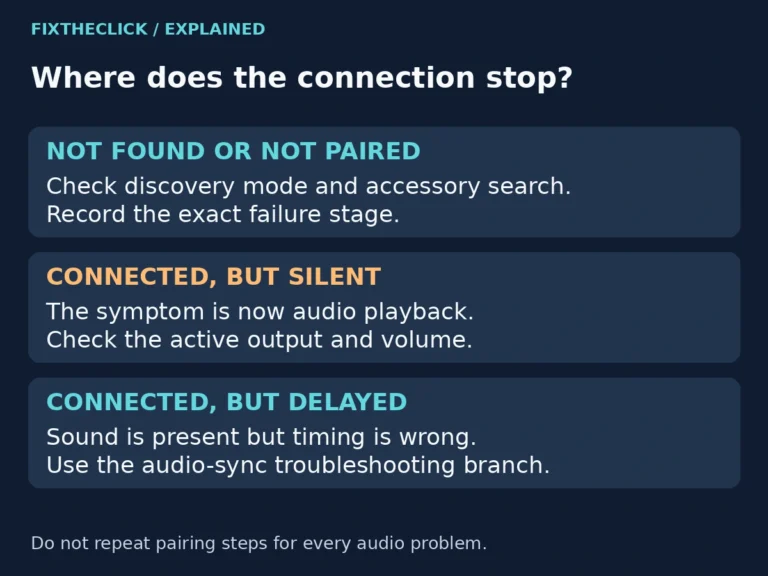
Your headphones are on, the Fire TV is searching, and the list stays empty. It is tempting to reset everything, especially when the same headphones work with your phone. Start with the connection you are actually trying to make: a powered-on accessory may not yet be discoverable. Quick Answer: Put the headphones into their manufacturer’s…
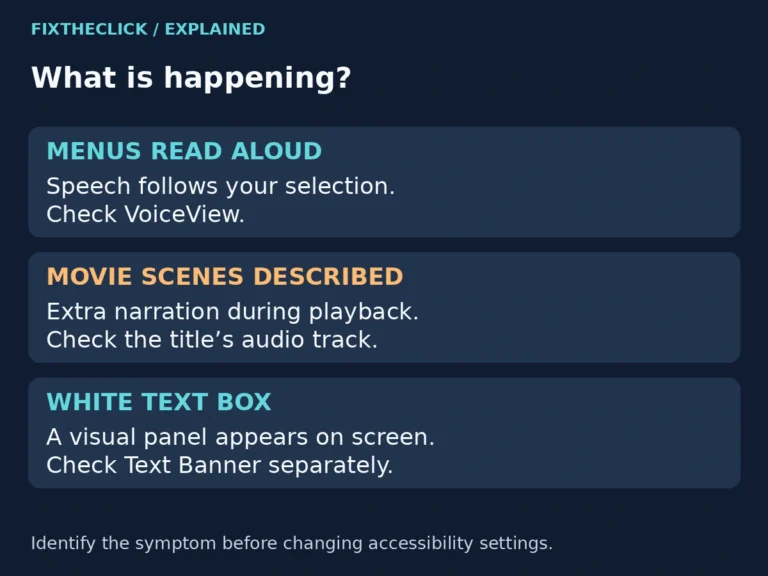
Fire TV keeps talking? Separate spoken menus from movie narration, then change the right VoiceView or audio-track setting without resetting your device.