Skip to content

FixTheClick

  • Home
  • Streaming Devices
  • Smart TVs
  • Apps & Accounts
  • Wi-Fi & Connectivity
FixTheClick
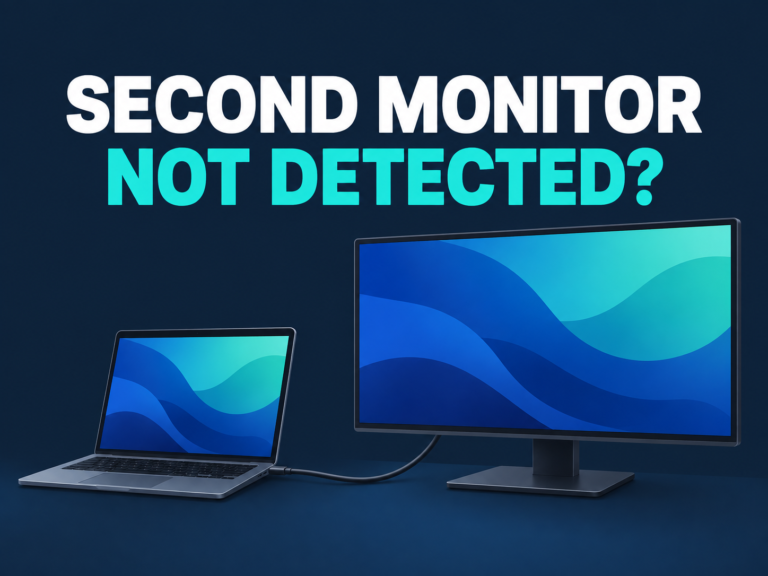
  • Second monitor not detected: laptop and external display connection illustration
    Wi-Fi & Connectivity

    Second Monitor Not Detected in Windows 11? Check These Connections

    ByFixTheClick Team October 4, 2026October 4, 2026

    You connected an external monitor to your Windows 11 laptop, but the monitor stays blank or Windows cannot find it. Start with the selected monitor input and the complete connection path—not a driver removal. Quick answer: Confirm that the monitor is powered on and using the input your cable connects to. Press Windows + P…
    Read More Second Monitor Not Detected in Windows 11? Check These ConnectionsContinue

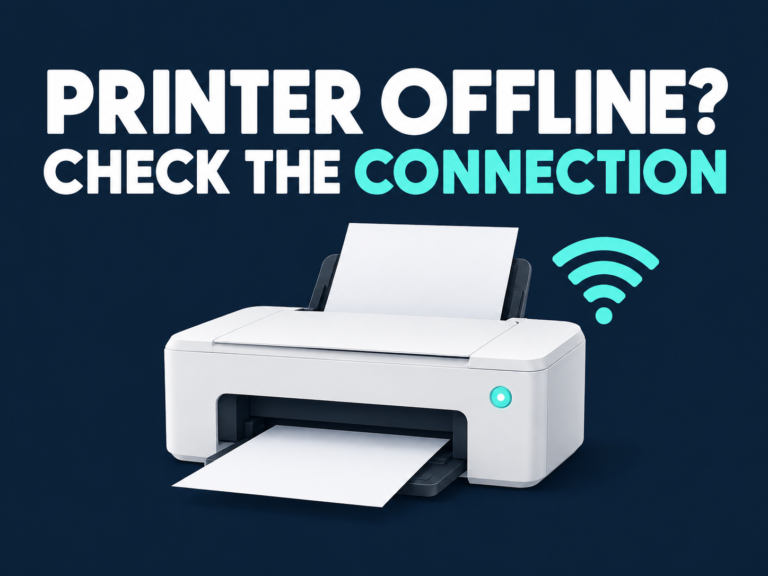
  • Printer offline in Windows 11: check the connection
    Wi-Fi & Connectivity

    Printer Offline in Windows 11 but Connected to Wi-Fi? Start Here

    ByFixTheClick Team October 4, 2026October 4, 2026

    Your printer shows a Wi-Fi connection, but Windows 11 still calls it Offline. That light does not confirm that this PC can reach the printer—or that your document is going to the right printer entry. Quick answer: Confirm the printer and PC are on the same usable network, check the printer for an error, and…

    Read More Printer Offline in Windows 11 but Connected to Wi-Fi? Start HereContinue

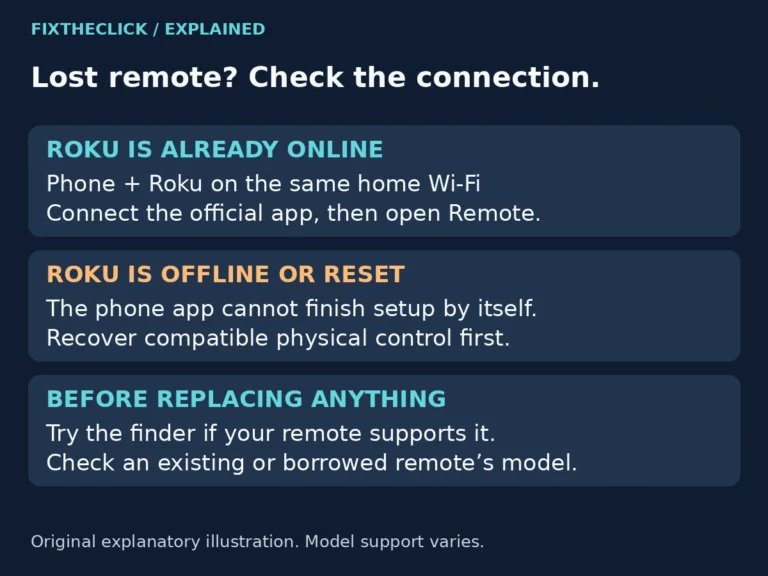
  • Lost Roku remote options for an online device versus an offline or reset Roku
    Streaming Devices

    Lost Your Roku Remote? How to Connect Without the Original Remote

    ByFixTheClick Team September 30, 2026September 30, 2026

    Lost your Roku remote? Use the app when Roku is already online, or recover compatible physical control for an offline device. Check before resetting.

    Read More Lost Your Roku Remote? How to Connect Without the Original RemoteContinue

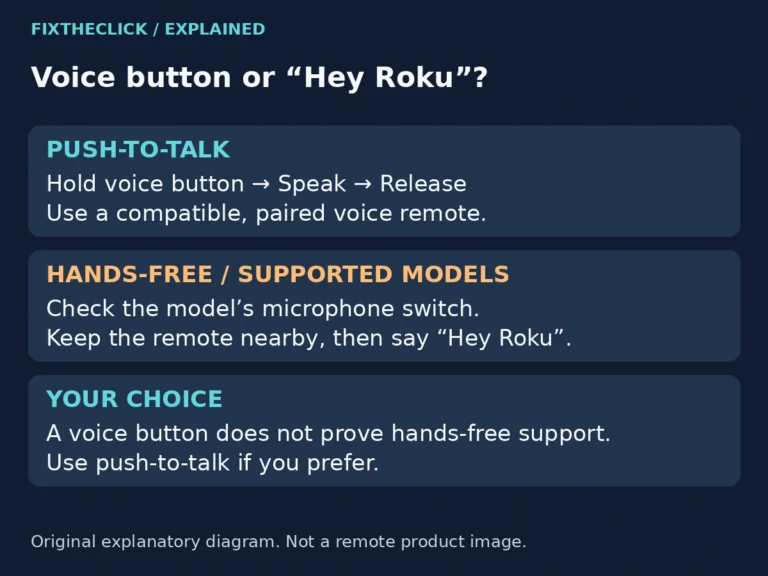
  • Roku push-to-talk and supported hands-free voice controls compared in an original explanatory diagram
    Streaming Devices

    Roku Voice Search Not Working? Check Push-to-Talk and Hands-Free Settings

    ByFixTheClick Team September 28, 2026September 28, 2026

    Roku voice search or Hey Roku not responding? Check push-to-talk technique, compatible hands-free support, the microphone switch, and remote placement.

    Read More Roku Voice Search Not Working? Check Push-to-Talk and Hands-Free SettingsContinue

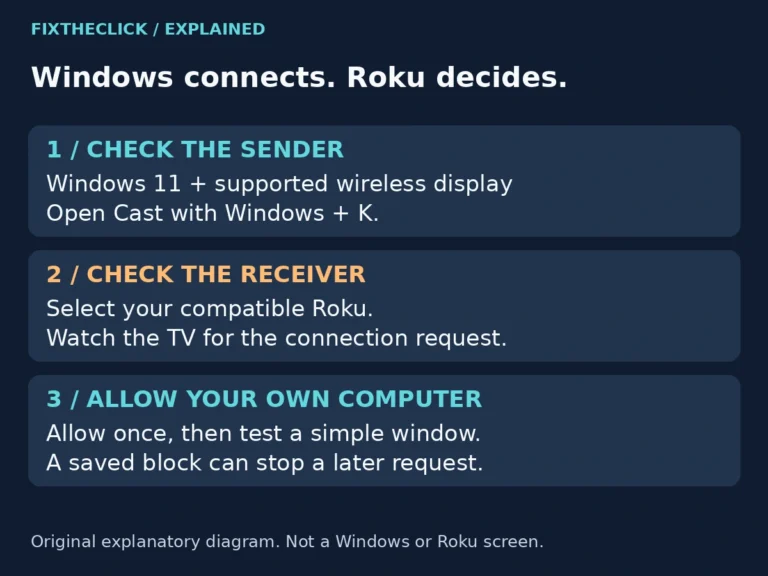
  • Windows 11 Cast request followed by the connection approval on a compatible Roku, shown as an explanatory diagram
    Streaming Devices

    Roku Screen Mirroring Not Working on Windows 11? Check the Connection Request

    ByFixTheClick Team September 28, 2026September 28, 2026

    Roku missing from Windows 11 Cast or blocking your PC? Check wireless-display support, the TV connection request, and saved permissions before resetting.

    Read More Roku Screen Mirroring Not Working on Windows 11? Check the Connection RequestContinue

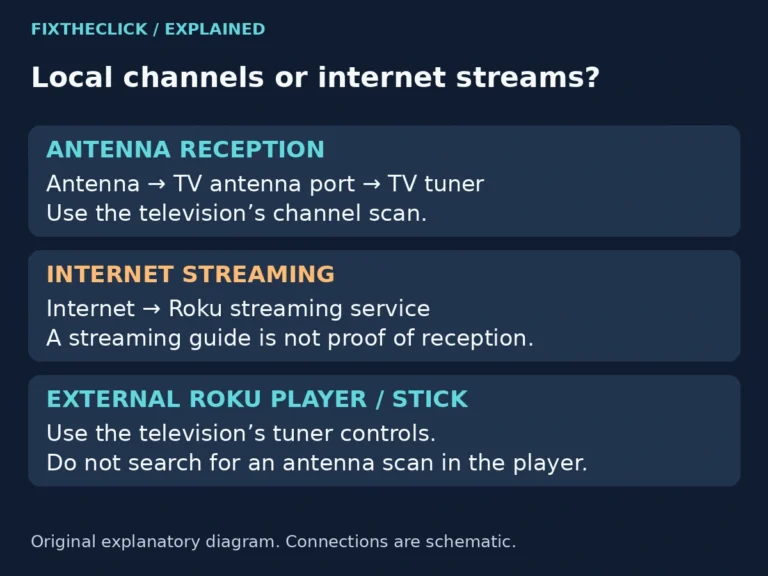
  • Roku TV antenna-to-tuner reception compared with internet streaming and an external Roku player
    Smart TVs

    Roku TV Antenna Channels Missing? Check the Input and Rescan

    ByFixTheClick Team September 28, 2026September 28, 2026

    Roku TV antenna channels missing? Separate local reception from streaming, check the input and channel list, and choose the right scan before resetting.

    Read More Roku TV Antenna Channels Missing? Check the Input and RescanContinue

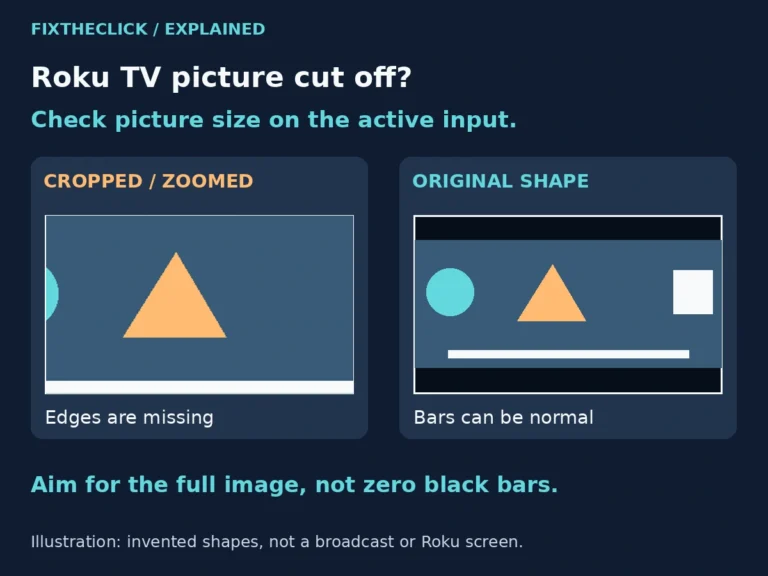
  • Illustration comparing a cropped Roku TV picture with the full original image and normal black bars
    Smart TVs

    Roku TV Picture Zoomed In? Fix Cropped Edges and Missing Subtitles

    ByFixTheClick Team September 28, 2026September 28, 2026

    Roku TV picture zoomed in? Check the active input and picture size, distinguish cropping from black bars, and restore cut-off edges without a factory reset.

    Read More Roku TV Picture Zoomed In? Fix Cropped Edges and Missing SubtitlesContinue

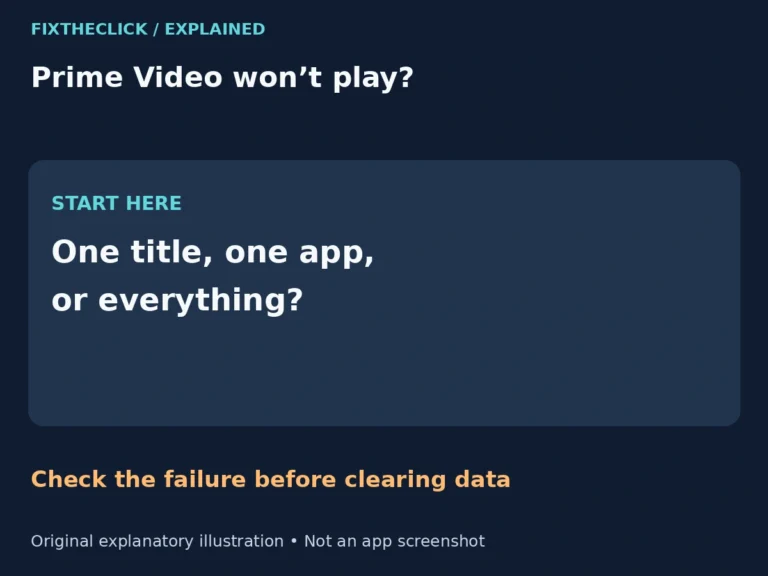
  • Prime Video playback troubleshooting: one title, one app, or multiple apps
    Apps & Accounts

    Prime Video Not Working on Fire TV? Fix Loading and Playback Errors

    ByFixTheClick Team September 26, 2026September 26, 2026

    Prime Video not working on Fire TV? Separate title access problems from app loading errors, then try restart and cache checks before clearing data.

    Read More Prime Video Not Working on Fire TV? Fix Loading and Playback ErrorsContinue

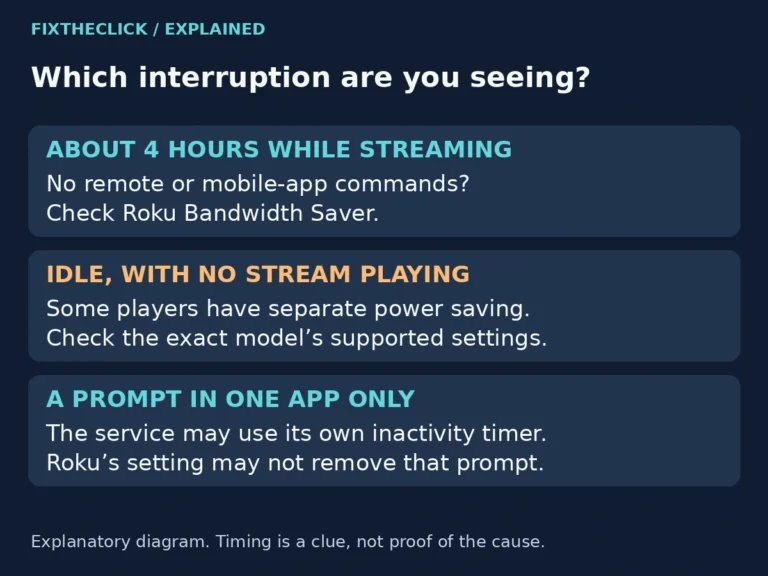
  • Roku streaming interruption comparison for four-hour Bandwidth Saver, idle power saving, and app timers
    Streaming Devices

    Roku Stops Streaming After 4 Hours? Check Bandwidth Saver

    ByFixTheClick Team September 17, 2026September 17, 2026

    Roku stops streaming after 4 hours? Check Bandwidth Saver, compare app timers and idle power saving, and understand the data-use tradeoff before turning it off.

    Read More Roku Stops Streaming After 4 Hours? Check Bandwidth SaverContinue

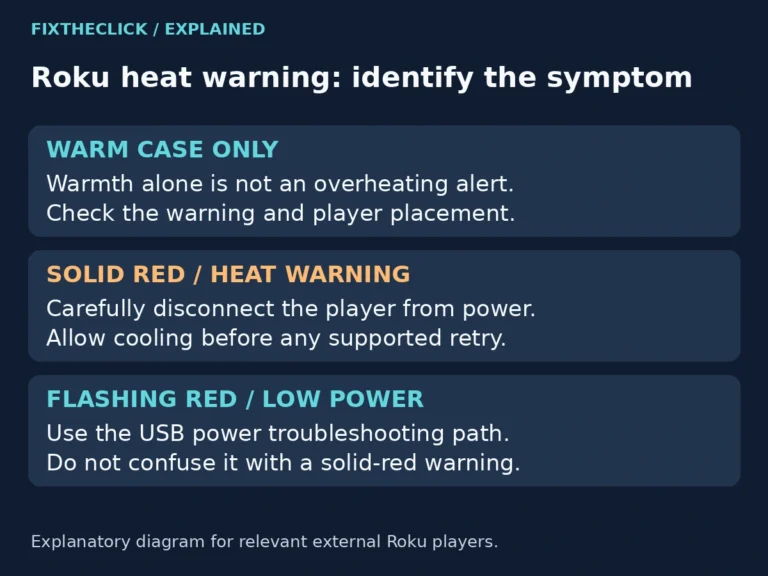
  • Roku overheating indicator guide comparing warm housing, solid red warnings, and flashing red low power
    Streaming Devices

    Roku Overheating or Solid Red Light? What to Do Before Using It Again

    ByFixTheClick Team September 17, 2026September 17, 2026

    Roku overheating or showing a solid red light? Cool it safely, improve placement, and know when to stop using the player instead of repeatedly restarting.

    Read More Roku Overheating or Solid Red Light? What to Do Before Using It AgainContinue

Page navigation

Previous PagePrevious 1 2 3 4 5 6 Next PageNext
  • Privacy Policy
  • About FixTheClick
  • Affiliate Disclosure
  • Contact
  • Editorial Policy
  • Terms of Use

© 2026 FixTheClick. All rights reserved.

  • Home
  • Streaming Devices
  • Smart TVs
  • Apps & Accounts
  • Wi-Fi & Connectivity