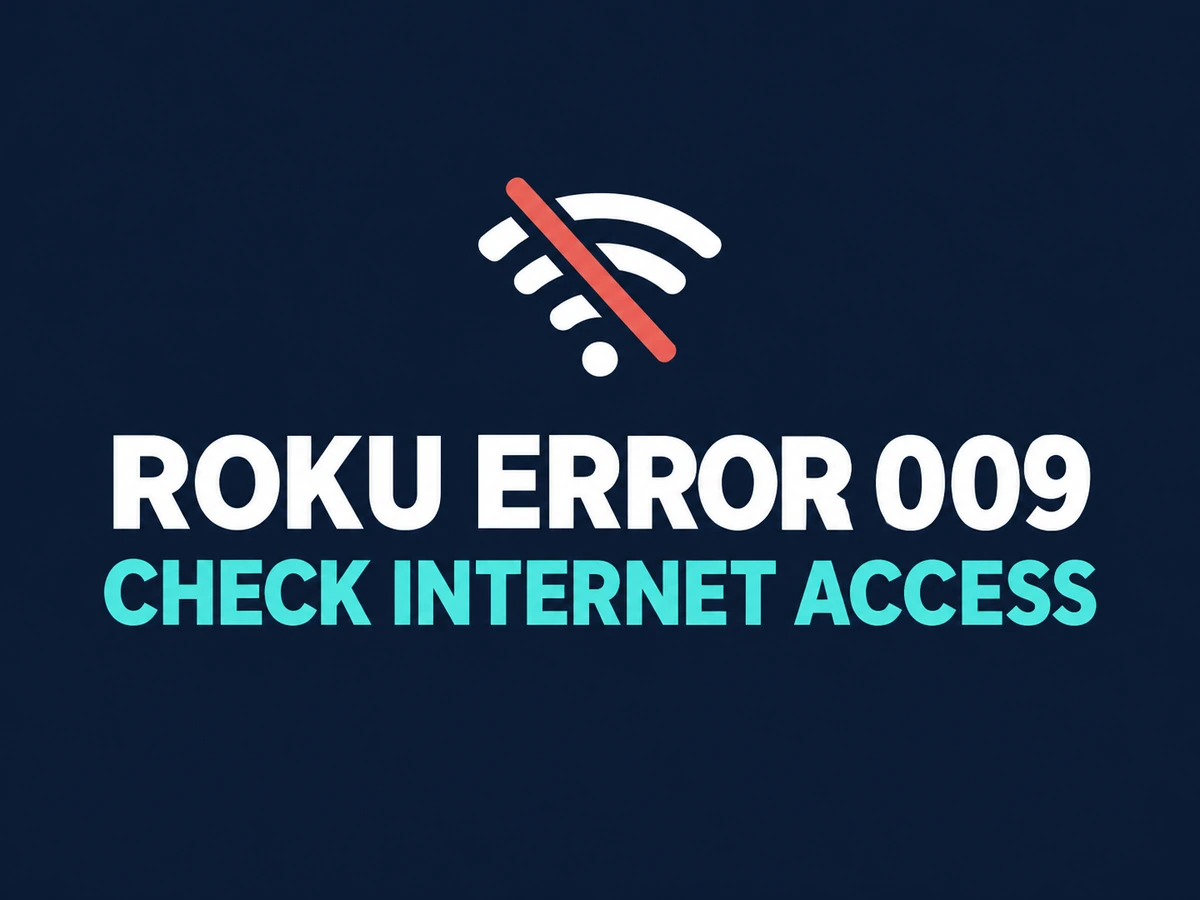
Roku Error 009? Check Internet Access, Not Just Wi-Fi
Your Roku lists a Wi-Fi network, yet setup or streaming stops with error 009. Before entering the password again, check which part of the connection is failing.
Roku groups error 009 under internet-connection failures. Run the device’s connection test and distinguish access to your home network from access to the internet. A saved Wi-Fi name alone does not settle that question.
1. Read Both Parts of the Connection Test
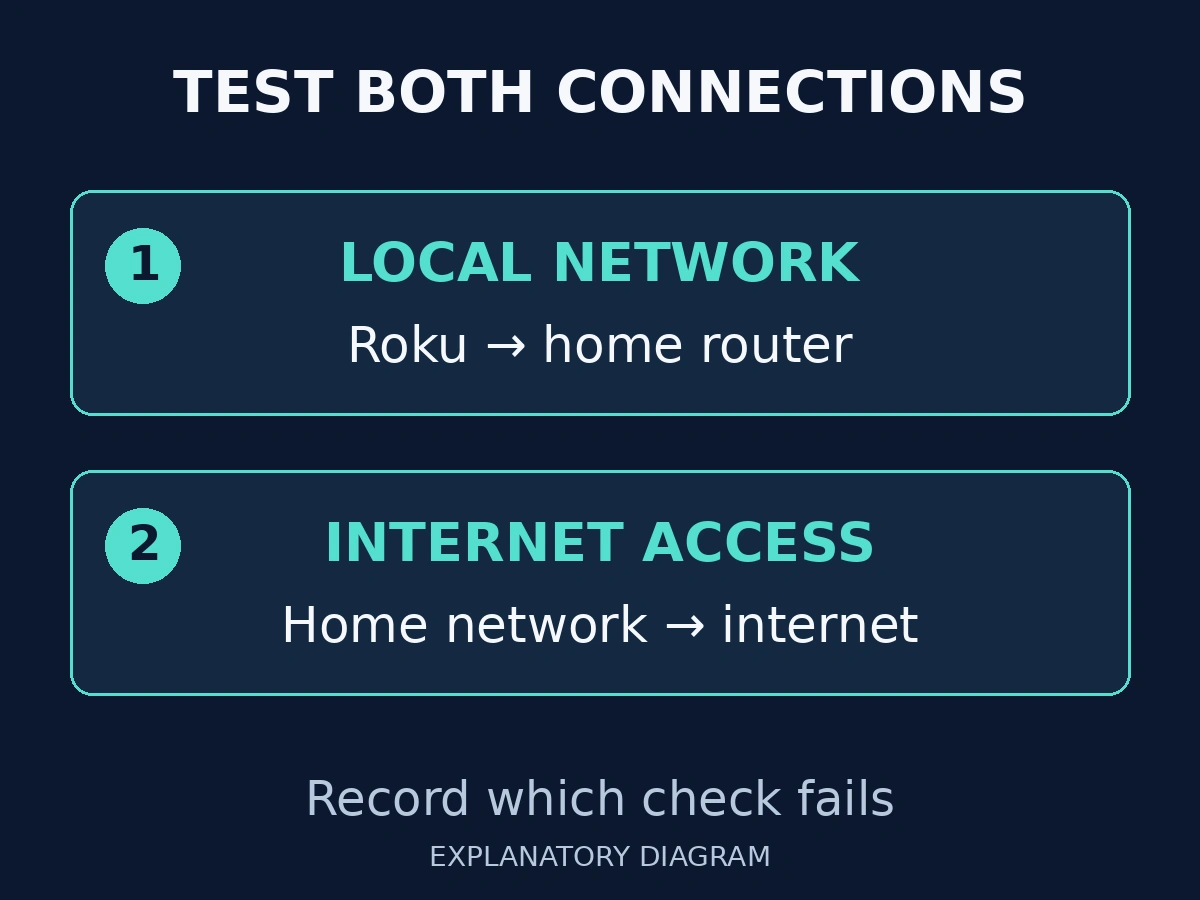
From Home, open Settings → Network → Check connection. Roku checks whether it can reach the local network and then the internet. Note which check fails rather than recording only “Wi-Fi problem.” Roku explains these separate checks in its official connection-test guide.
A local-network failure calls for checking the selected network and reconnecting. A successful local check followed by an internet failure gives you a different starting point.
Write down the exact code and test result before making changes. That makes the next comparison useful.
2. Compare Another Device on the Same Wi-Fi
Try opening a public website on a phone or computer connected to the same Wi-Fi. Roku recommends this comparison when internet access fails. If that device cannot connect either, involve your internet provider rather than treating the Roku as the only problem.
For a phone test, confirm that you are testing the Wi-Fi connection rather than a mobile-data connection.
If the website opens on the other device, record that result. It narrows the investigation, but it does not prove that every network setting relevant to Roku is correct.
3. Restart Without Resetting Your Network
Roku’s Wi-Fi troubleshooting guide recommends restarting the streaming device and the router or modem. That guide’s power-cycle instructions specify disconnecting power, waiting ten seconds, and reconnecting; allow the networking equipment to finish starting.
Warn anyone sharing the connection before restarting the router. Do not press a recessed factory-reset button: that is not the same action as disconnecting power.
After the restart, confirm the intended Wi-Fi network and repeat the connection test. Change one thing at a time so you know which result followed which action.
4. Confirm Playback, Then Record Any Remaining Failure
Once the connection test succeeds, try a stream. A successful network test and successful playback are useful separate checkpoints.
If error 009 remains, give Roku support or your internet provider the device model, exact code, connection-test results, and whether another device worked on the same network. Roku directs persistent connection problems to the internet provider for further help.
If streaming works but the phone app cannot find Roku, stop treating it as this internet-access error. Continue with the existing mobile-app discovery guide instead.