Roku HDCP Error Detected? Fix a Purple Screen Without a Factory Reset
Roku HDCP error or purple screen? Reconnect the HDMI chain, test direct-to-TV playback, and check 4K/HDR compatibility before a factory reset.
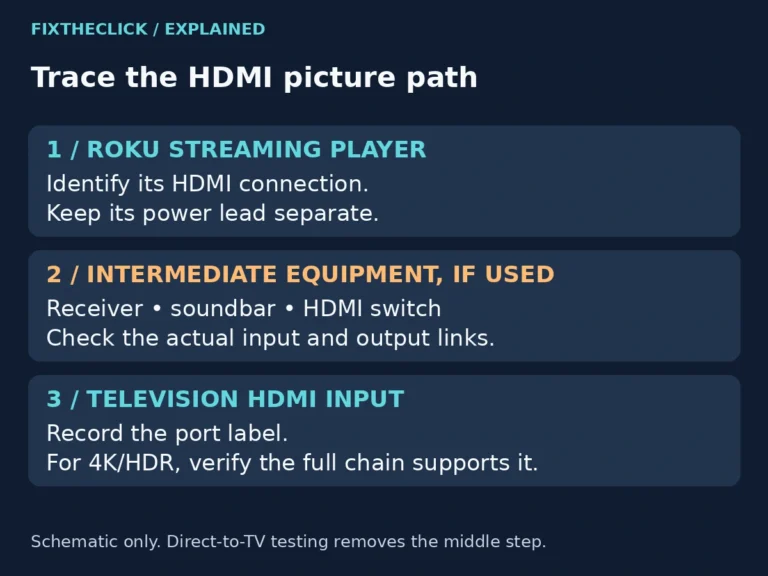
Roku HDCP error or purple screen? Reconnect the HDMI chain, test direct-to-TV playback, and check 4K/HDR compatibility before a factory reset.
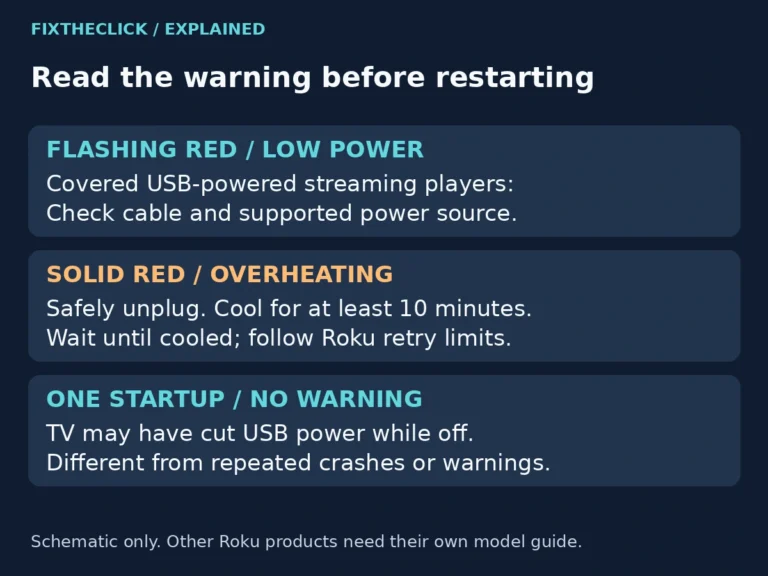
Roku low power warning or flashing red light? Check the USB cable and correct power source, and separate insufficient power from overheating.
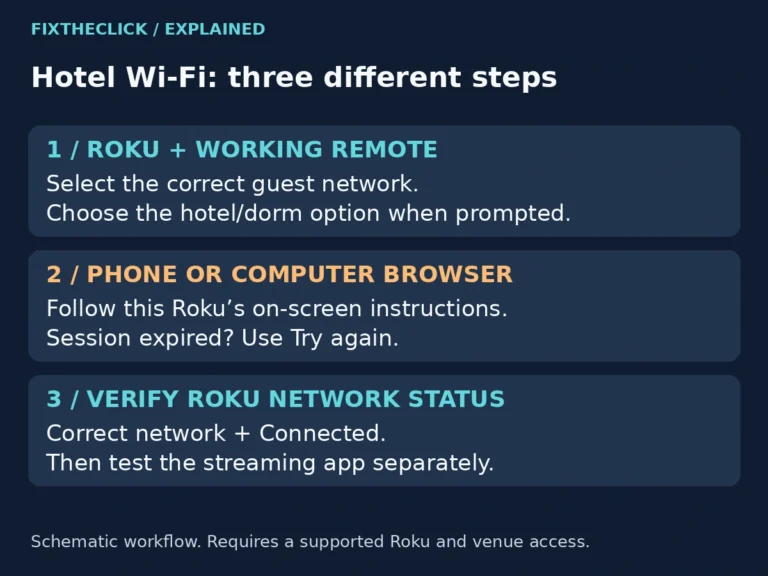
The hotel Wi-Fi works on your phone, but your Roku never reaches the page where you accept terms or sign in. You can see the network name, yet you still cannot start watching. Looking for a normal web browser on the TV is not the next step. On a supported device, Roku’s Hotel & Dorm…
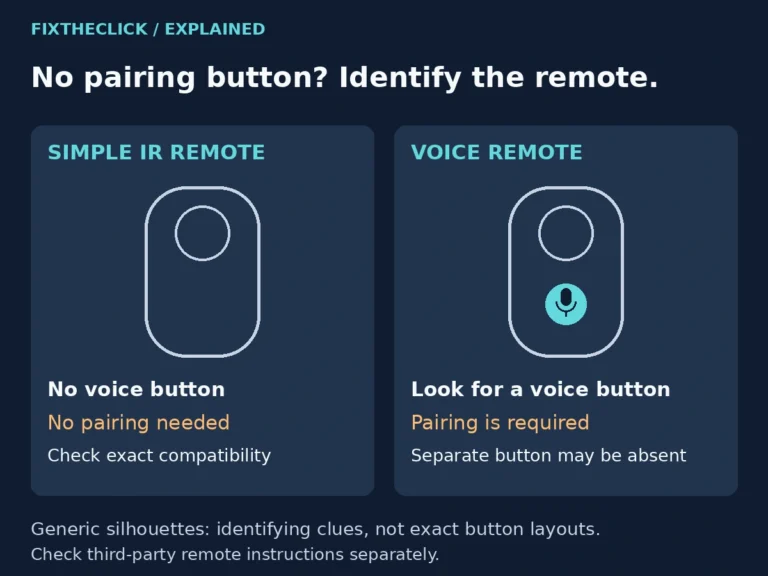
You have checked the back of the remote, opened the battery cover, and still cannot find a pairing button. Before you keep looking, check the front. Some Roku remotes never need pairing; others pair without a separate button. The useful question is not where the button is hiding. It is whether you have a simple…
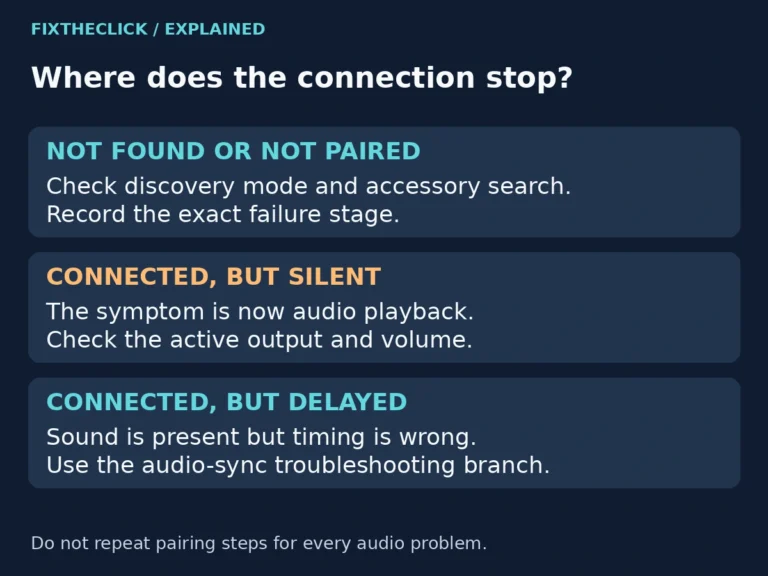
Your headphones are on, the Fire TV is searching, and the list stays empty. It is tempting to reset everything, especially when the same headphones work with your phone. Start with the connection you are actually trying to make: a powered-on accessory may not yet be discoverable. Quick Answer: Put the headphones into their manufacturer’s…
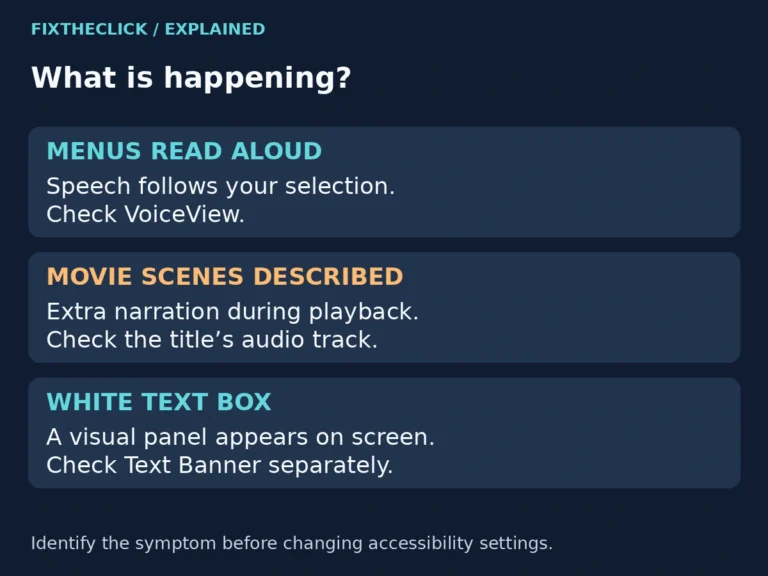
Fire TV keeps talking? Separate spoken menus from movie narration, then change the right VoiceView or audio-track setting without resetting your device.
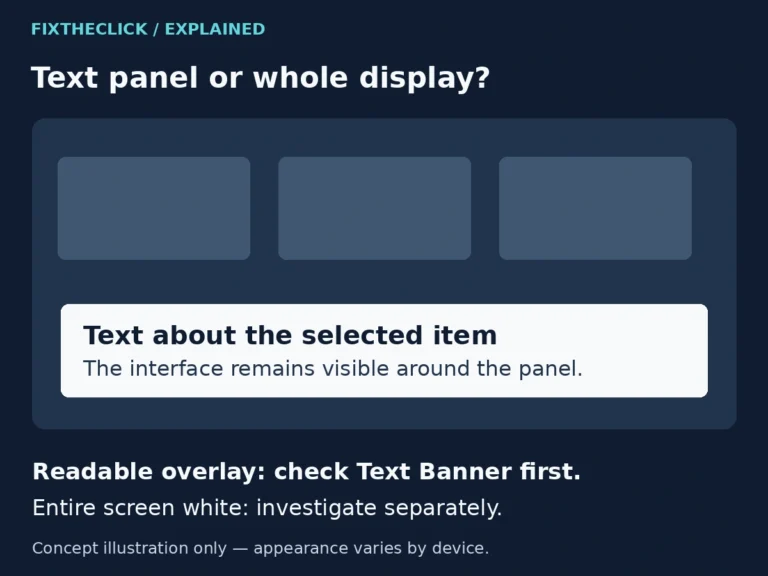
White box on your Fire TV screen? Check Text Banner in Accessibility and distinguish a readable overlay from a completely white or blank display.
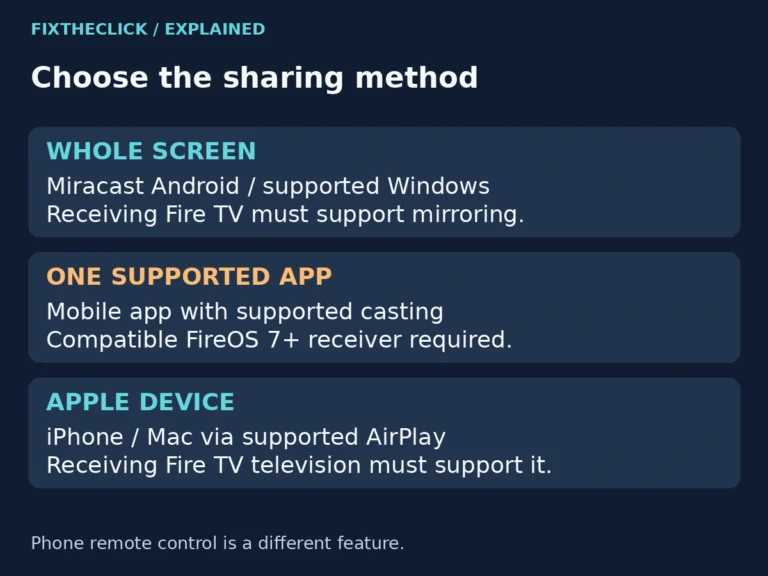
Fire TV screen mirroring not working? Check native mirroring, app casting, and AirPlay compatibility before changing Wi-Fi settings or resetting.
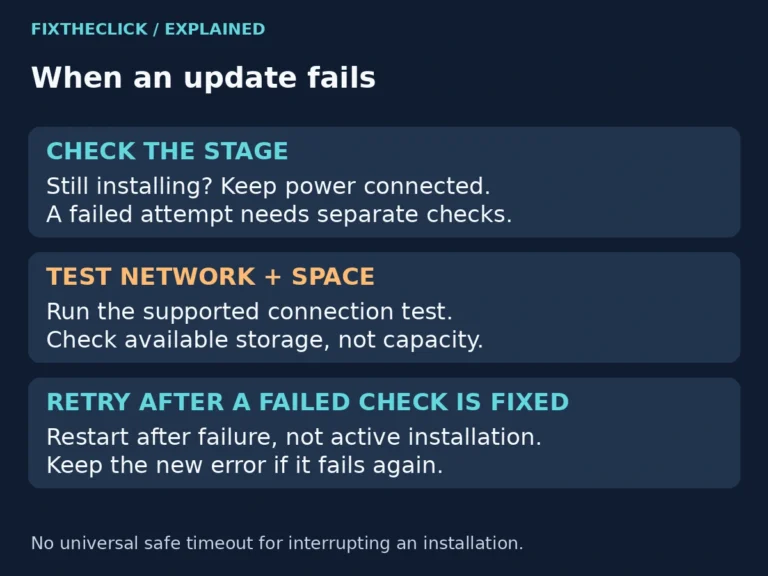
Fire TV update failed or stuck? Check internet access and available storage, then retry safely without interrupting an active installation.
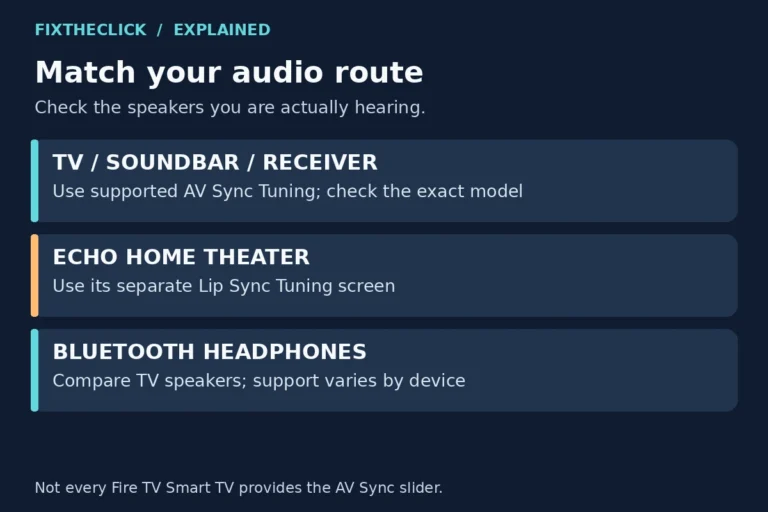
Fire TV audio out of sync? Compare apps and speakers, use supported AV Sync Tuning, and follow the separate Echo home theater path.