Prime Video Not Working on Fire TV? Fix Loading and Playback Errors
Prime Video not working on Fire TV? Separate title access problems from app loading errors, then try restart and cache checks before clearing data.
Prime Video not working on Fire TV? Separate title access problems from app loading errors, then try restart and cache checks before clearing data.
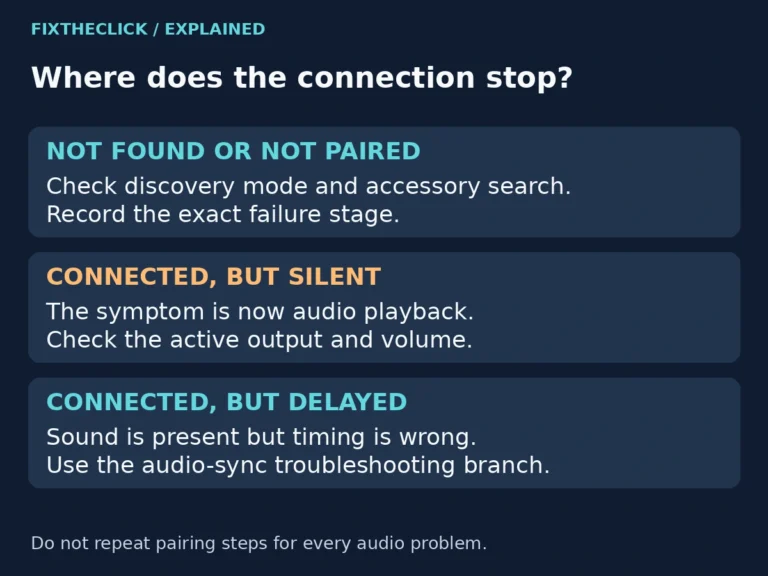
Your headphones are on, the Fire TV is searching, and the list stays empty. It is tempting to reset everything, especially when the same headphones work with your phone. Start with the connection you are actually trying to make: a powered-on accessory may not yet be discoverable. Quick Answer: Put the headphones into their manufacturer’s…
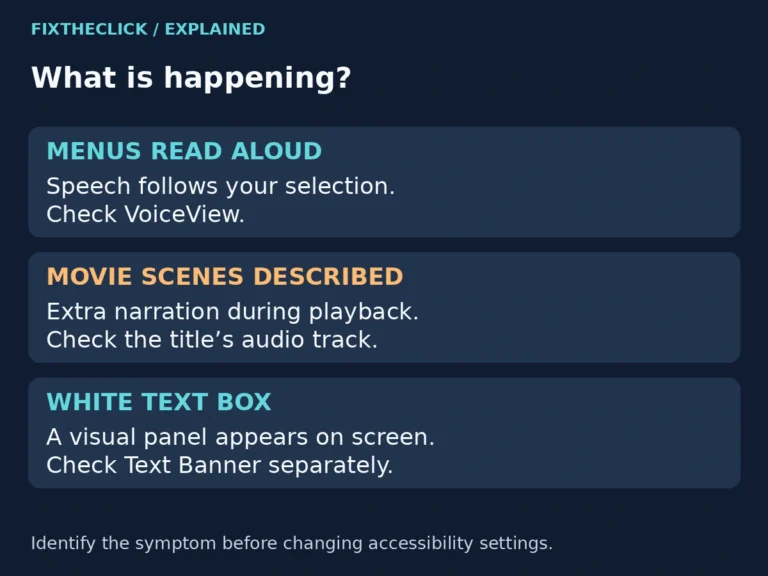
Fire TV keeps talking? Separate spoken menus from movie narration, then change the right VoiceView or audio-track setting without resetting your device.
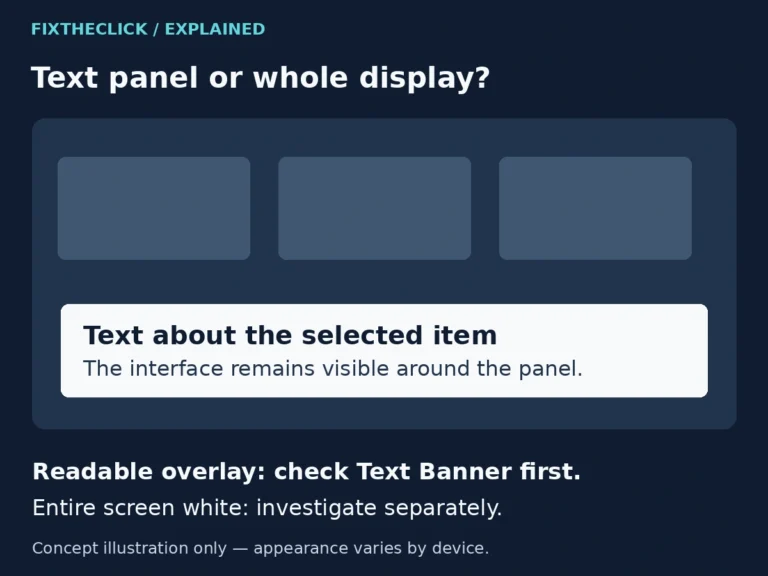
White box on your Fire TV screen? Check Text Banner in Accessibility and distinguish a readable overlay from a completely white or blank display.
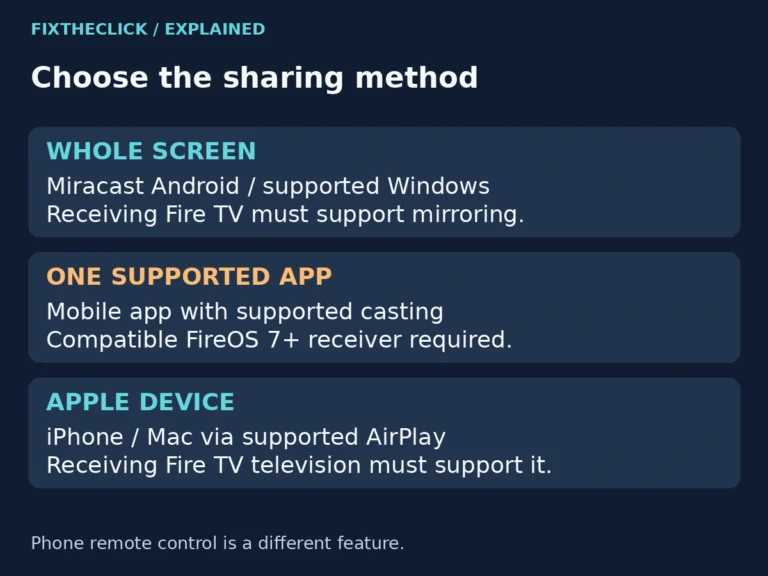
Fire TV screen mirroring not working? Check native mirroring, app casting, and AirPlay compatibility before changing Wi-Fi settings or resetting.
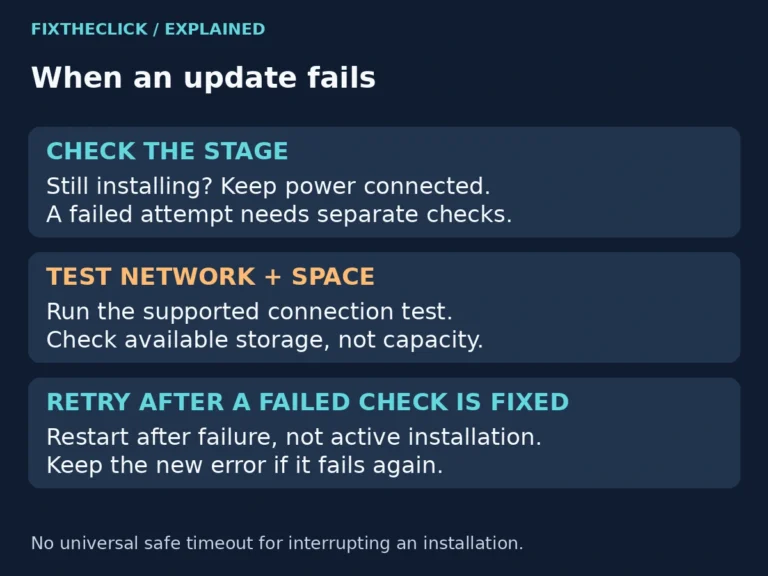
Fire TV update failed or stuck? Check internet access and available storage, then retry safely without interrupting an active installation.
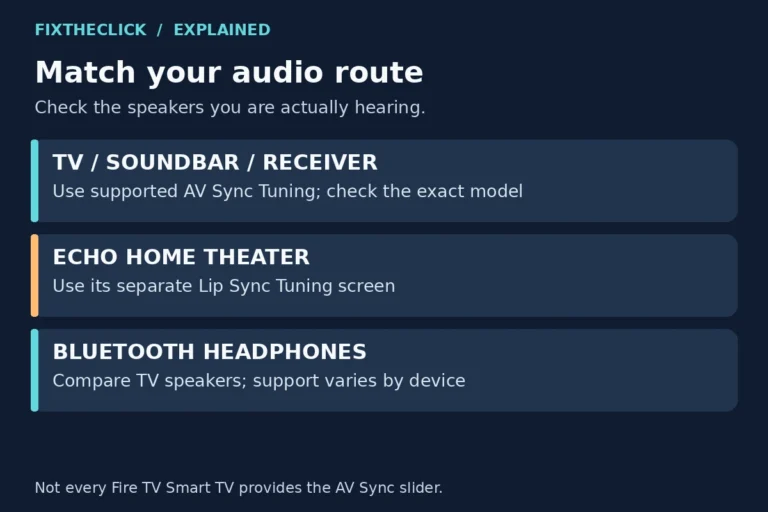
Fire TV audio out of sync? Compare apps and speakers, use supported AV Sync Tuning, and follow the separate Echo home theater path.
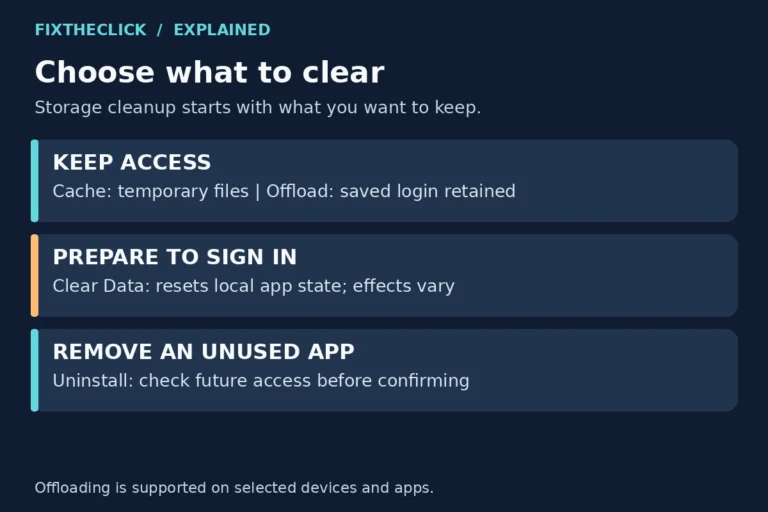
Fire TV low storage warning? Compare cache, offload, Clear Data, and uninstall so you can free space without needlessly losing app access.
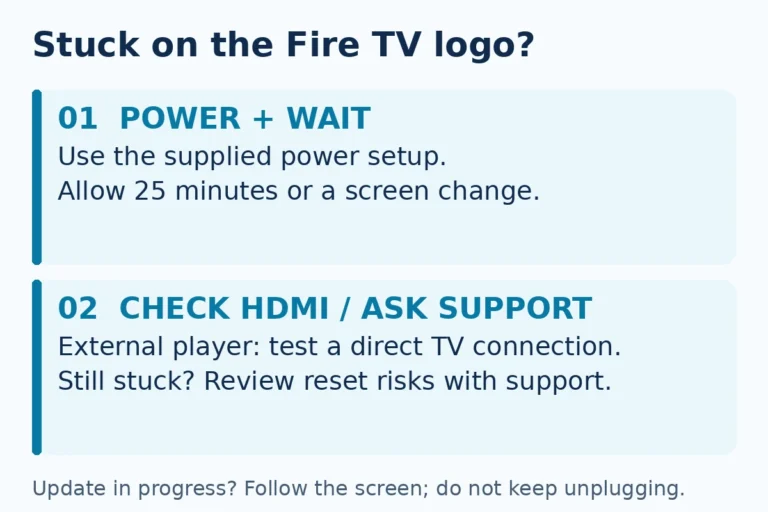
Fire TV stuck on logo? Check power, allow startup time, and test HDMI connections before a factory reset that removes account information.
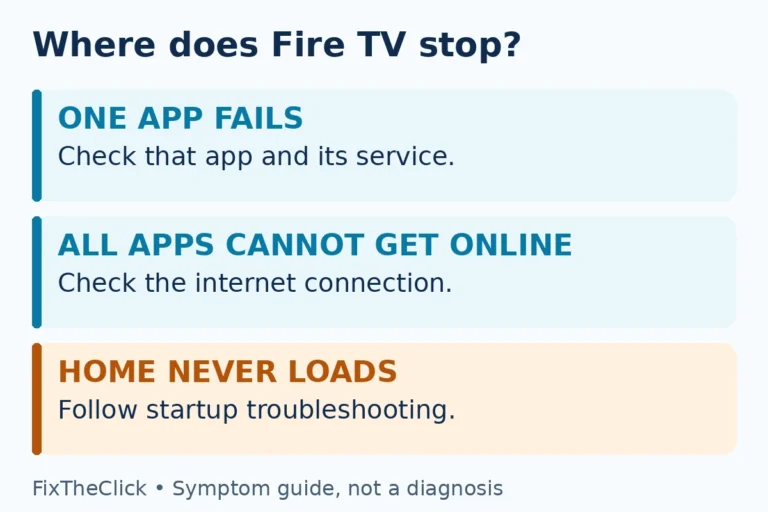
Fire TV app keeps crashing or won’t open? Check one app versus all apps, clear cache first, and prepare your sign-in before clearing data.